

Chưa có sản phẩm trong giỏ hàng.
Tin tức
Nguyên nhân Toshiba báo lỗi C280 và cách khắc phục
02
Th12
Th12
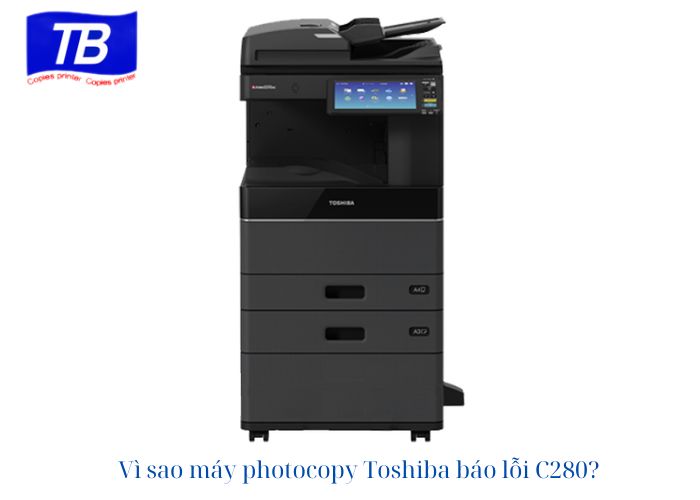
The C280 error on Toshiba photocopiers is a common problem, especially when the machine has issues with the scanning system. This error not only disrupts work but also affects the machine’s performance if not addressed promptly. In this article, Toshiba Thien Bang will help you understand the detailed causes of the Toshiba C280 error and how to effectively fix it.
Nội dung bài viết
Why is my Toshiba photocopier showing error code C280?
Error C280 relates to components within the scanning system of a Toshiba photocopier. Below are the specific causes of the Toshiba photocopier displaying error C280:
The scanner won’t start.
Cause: The scanner unit is the main component that performs the document scanning function. When this unit does not start, the machine will not be able to perform the copying process, leading to an error message. The cause could be a power outage, a faulty motor, or a malfunction in the control system.
Signs that the scanner won’t start
- The scanner unit does not emit any operating sounds when it starts up.
- The machine displays an error message immediately after being powered on.
The optical fiber sensor is not “ON” when the optical fiber is being moved out.
Cause: The optical array sensor is responsible for determining the position and status of the scan array. When this sensor is not activated, the machine does not recognize the operation of the optical array, causing error C280.
Signs that the optical fiber sensor is not “ON” when the optical fiber unit is running out.
- The optical fiber array is malfunctioning or jammed.
- The machine continuously displays error messages as soon as the scanning function is started.
The scan motor is faulty.
Cause: The scanner motor allows the scanner unit to move during the document scanning process. If the motor is damaged, worn out, or the wiring connection is broken, the scanner unit will not function, resulting in error C280.
Signs that indicate a faulty scanner motor.
- The scanner is not moving or is moving erratically.
- There are strange noises coming from the motor area.
The HP sensor is dirty or damaged.
Reason: The HP sensor determines the initial position of the scanner array. If this sensor is covered in dust or is damaged, the machine will not be able to correctly identify the scanner array’s position.
Signs that your HP sensor is dirty or damaged.
- The scanner unit moved to the wrong position or stopped abruptly.
- Errors occur frequently when the machine is turned on.
The cable is loose, damaged, or broken.
Cause: Loose, broken, or short-circuited cables connecting components such as the motor, sensors, and control board will disrupt the signal, causing the machine to display an error.
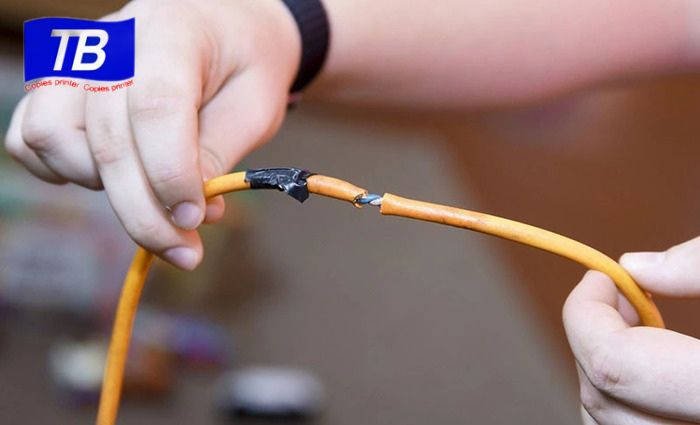
Signs that a cable is loose, damaged, or broken.
- The machine is not detecting signals from the scanning components.
- The error appears intermittently, sometimes present, sometimes absent.
The timing belt is loose or broken.
Cause: The drive belt is responsible for transmitting power from the motor to the scanner assembly. If this belt is loose or broken, the scanner assembly cannot move, causing error C280.
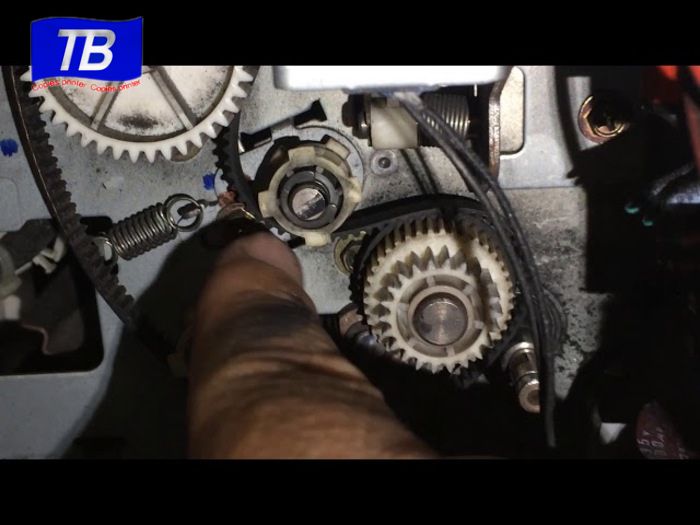
Signs that indicate a loose or broken timing belt.
- The scanner is not working or is stuck.
- There is no activity sound coming from the scanning area.
The Scan form is malfunctioning.
Cause: The scan board controls all the scanning system’s operations. If the board fails, even if other components are functioning normally, the machine will still display error C280.
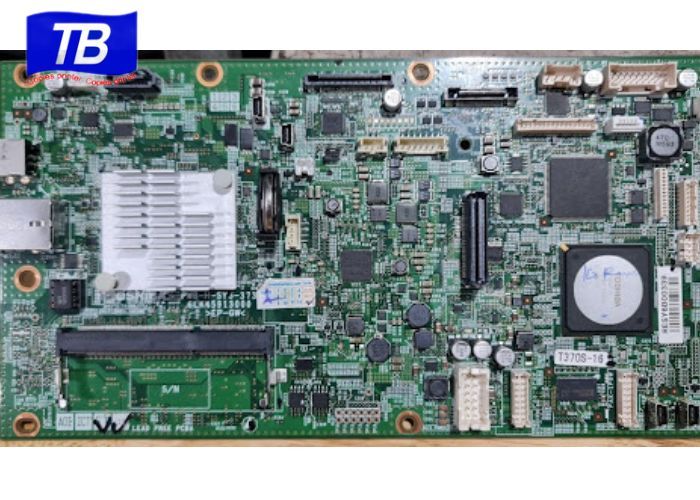
Signs that indicate a faulty scan board.
- The problem persists even after replacing the relevant parts.
- The scan function cannot be started.
Instructions for troubleshooting error C280 on Toshiba photocopiers.
To fix the C280 error on a Toshiba photocopier, you need to check and repair the parts related to the scanning system following these steps:
Inspect and clean the HP sensor.
The HP sensor is a crucial sensor that helps identify the scanner’s position. The C280 error may result from a dirty or damaged HP sensor.
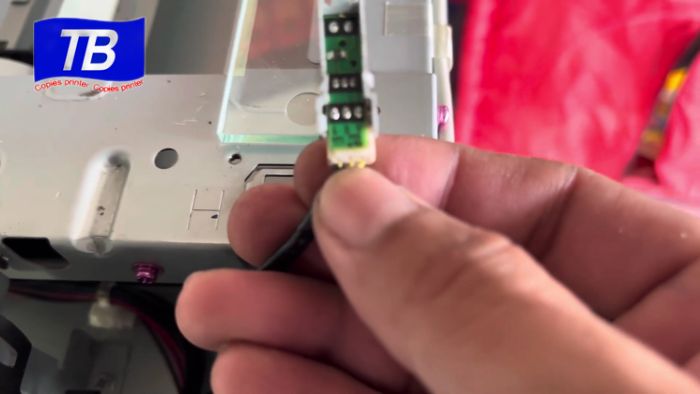
Procedure for checking and cleaning the HP Sensor
- Open the laptop lid and locate the HP Sensor.
- Use a clean, soft cloth or isopropyl alcohol to wipe the sensor surface, removing any dust or dirt.
HP Sensor troubleshooting guide
- If the sensor is simply dirty, cleaning it will restore its functionality.
- If the sensor is faulty, it needs to be replaced with a genuine Toshiba part.
Check the scanner motor.
The scan motor is the component that controls the movement of the scan array. When the motor fails, the scan array does not operate, causing error C280.
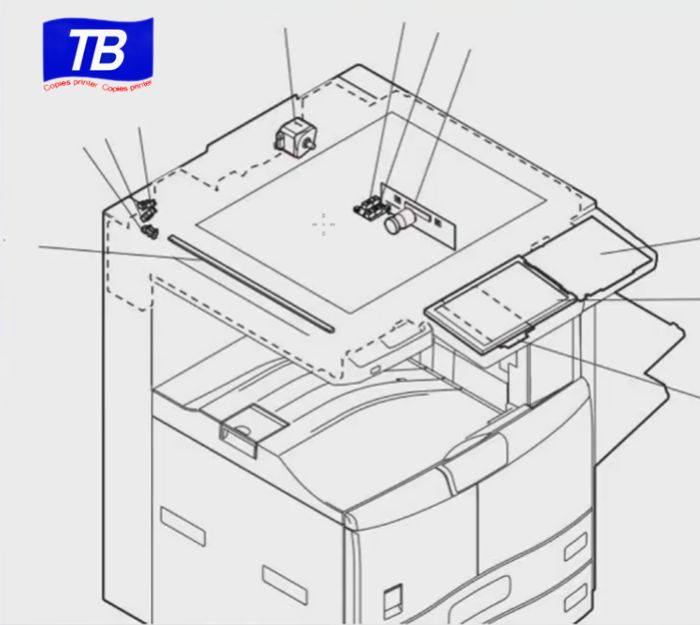
Scanning motor inspection procedure
- Listen to the sound the motor makes when it’s running; if there are any strange noises or if it’s not working, the motor may be broken.
- Check the motor’s wiring for any breaks or loose connections.
Instructions for troubleshooting the scanner motor.
- Ensure the scanner motor’s connecting wires are securely connected.
- Replace the motor with a new one if the old motor is found to be burnt out, damaged, or worn out.
Check the white ribbon cable.
The white ribbon cable connects the scanner lamp to the control board, ensuring stable signal transmission.
Procedure for inspecting white ribbon cables.
- Turn on the machine and check the ribbon cable for any breaks, kinks, or loose connections.
- Make sure the cables are plugged into the correct positions on the board.
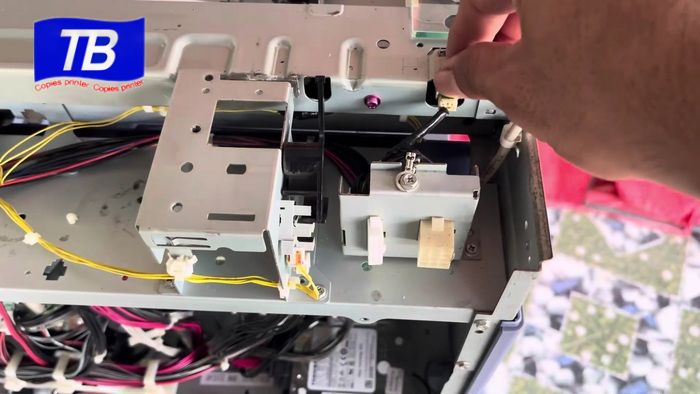
Instructions for handling white ribbon cables
- Tighten the cable connector if it is loose.
- Replace the cable if you notice any signs of breakage or damage.
Check the timing belt.
The drive belt is responsible for transmitting power from the scan motor to the scan unit. Error C280 can occur if the drive belt is loose or broken.
Belt inspection procedure
- Remove the protective cover from the scanning area to check the condition of the belt.
- Check if the cord is worn, loose, or broken.
Directions for handling timing belts
- Adjust the tension of the string if it is loose.
- Replace the timing belt if it is found to be broken or worn.
Check Board Scan
The scan board controls the entire scanning system. If other components are working normally but the machine is still reporting an error, it is very likely that the scan board is faulty.
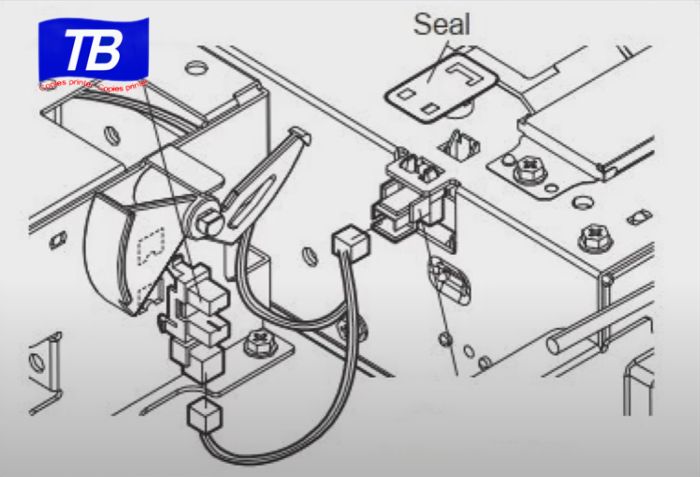
Board Scan procedure
- Use a multimeter to test the circuits on the Scan board.
- Check the board for any burnt-out or damaged components.
Board Scan Processing Guidelines
- If you find a minor fault, repair the circuit or component on the board.
- Replace the scan board with a new one if the board is severely damaged.
Notes on troubleshooting error C280 on Toshiba photocopiers.
- Turn off the machine: Before performing any inspection or repair, ensure the machine is turned off and disconnected from the power supply.
- Use genuine parts: Ensure that replacement parts are genuine Toshiba parts to maintain the machine’s durability and performance.
- Contact a professional technician: If you are not confident or experienced in repairing your device, please contact Toshiba Thien Bang’s team of professional technicians for assistance.
Toshiba photocopiers displaying error code C280 often stem from issues related to the scanning system, such as the HP sensor, scan motor, belt, or control board. With the instructions provided at , you can easily identify and effectively resolve the error, restoring stable machine operation.
If you encounter difficulties in repairing your Toshiba photocopier , please contact Toshiba Thien Bang immediately for prompt advice and support, ensuring effective resolution of the C280 error.
